Set Up Two Factor Authentication
To setup 2FA in your GivEnergy account, first please sign into the online portal - https://www.givenergy.cloud/
When signed in, go to account settings
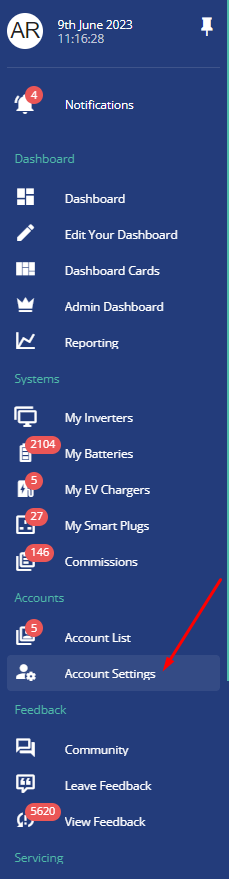
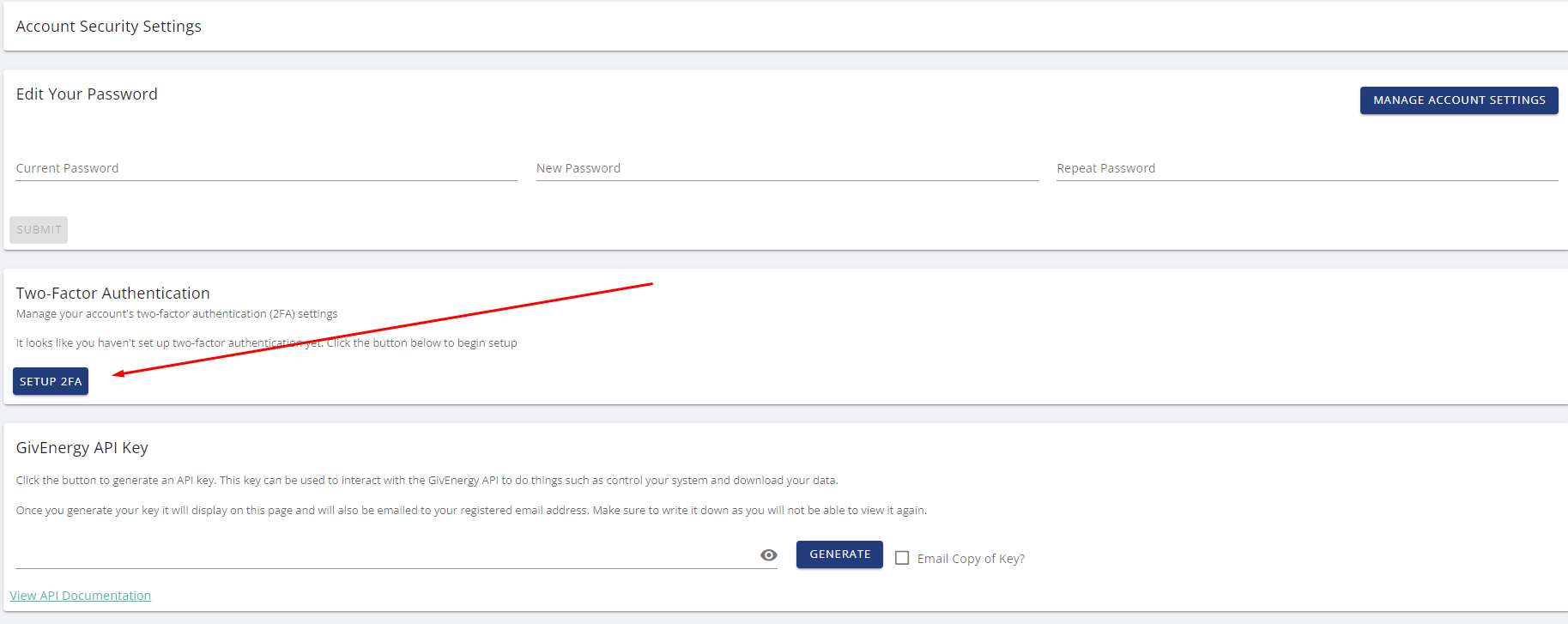
In the top right, click "manage account security"

Click "setup 2FA"
You will now be presented with a QR code
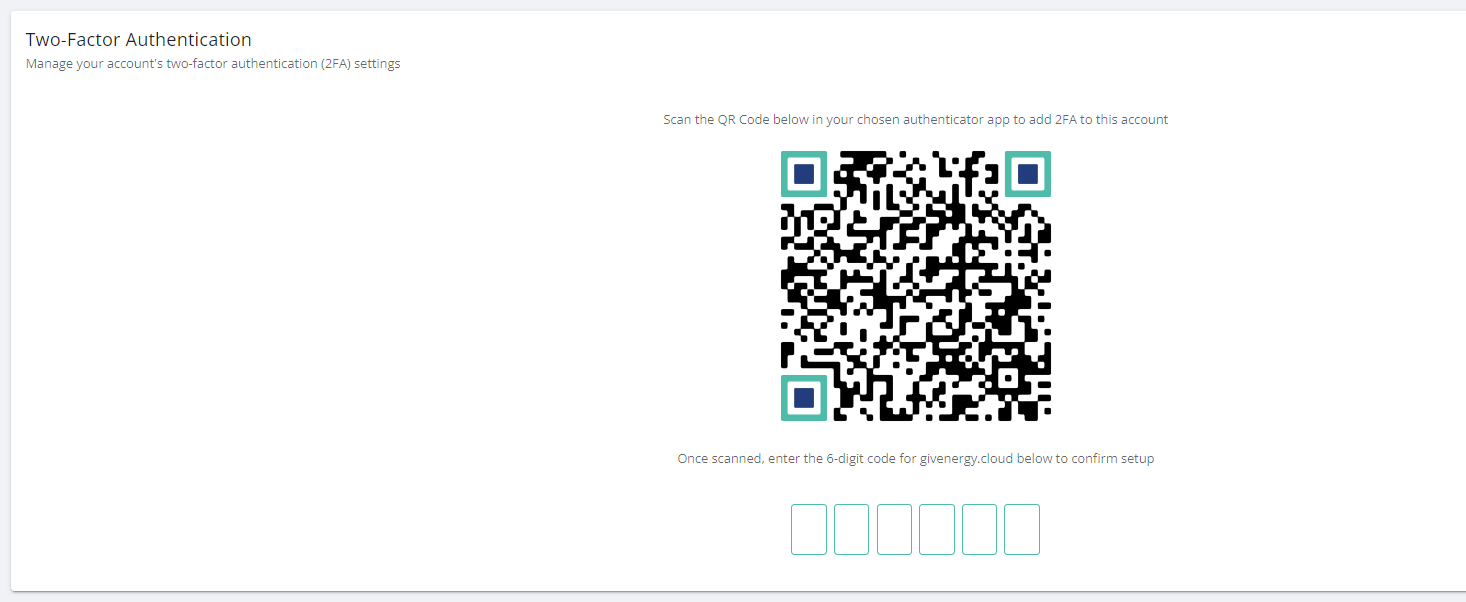
You will need an authenticator on your phone to set this up, such as "Google Authenticator" or "Microsoft Authenticator" in your devices app store.
Within the relevant authenticator app, scan the QR code, and this will then show up in your phone, with a code, put this code into the website
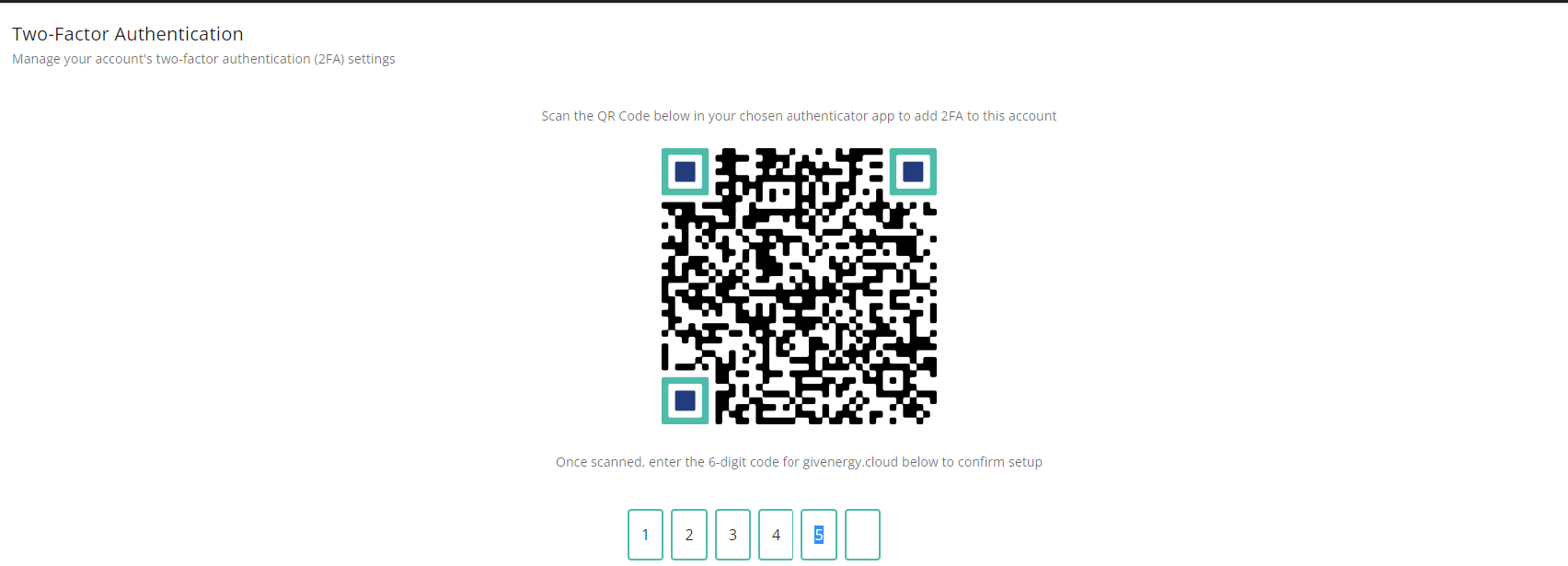
This will now be setup.
You can also disable the 2FA from this same page if you wish in future.
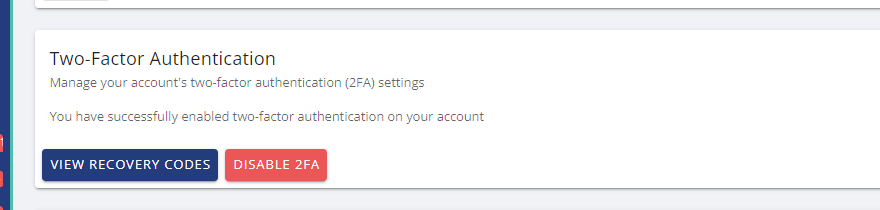
Whenever you login on a new device, it may ask you to present your 2FA code from your the relevant authenticator app.
Related Articles
Communication Cable Set Up Configurations
Wiring diagram for 2 inverters with one Solar String Inverter Wiring diagram for 2 inverters with two Solar String Inverters Wiring diagram for 3 inverters with one Solar String Inverter Wiring diagram for 3 inverters with two Solar String Inverters ...Setting the LoRa Module Channels Guides
Step One Using an RS485-USB adapter, connect a 2 core cable between the adapter and the lora module as shown in the diagram below Step Two Plug the RS485-USB Adapter into a laptop or computer and ensure that the RS485 Adpater can be seen with an Open ...Adjust Power Quality Response Mode Setpoints
Power quality response mode includes: Volt-var response mode Volt-watt response mode Fixed power factor mode Reactive power mode Power rate limit mode The AIO supports all of these modes. Setting the Region setpoints Step 1: Log into the GivEnergy ...LoRa Configuration
Note: This guide is intended for use with LoRa devices with a digital display only. Main Display in LoRa Radio Mode LoRa Mode Antenna 240VAC RS-485 L N Signal strength / Signal to noise ratio Frequency info / Spread factor Serial Port Settings Set to ...Hardware Details
EMS Communication Port There are 6 communication ports on EMS in figure 1 green square. For AC Couple plant system, CAN-1 port, and CAN-2 port not in use. Each RS485 port can support 1 inverter and 2 meters at the same time. RS485- 1 only can support ...